




How To Build A Professional Video Surveillance System
Designing and implementing a professional video surveillance system requires thorough planning, careful consideration of future scalability, and the right set of tool components for proper installation. A high-quality surveillance setup typically includes high-definition IP cameras, Power over Ethernet (PoE) network switches, recorders with ample storage capacity, video management software (VMS), and dependable cabling infrastructure either Ethernet or fiber optic cables.
Planning For Future Expansion
It is important to design your surveillance system with scalability in mind. As needs evolve whether due to increased coverage requirements, improved technology, or growing security demands it is common for video surveillance systems to expand. A well planned infrastructure should accommodate the seamless integration of additional cameras, network switches, and storage without requiring a complete overhaul.
Ethernet Cable Installation & Termination
Ethernet cabling serves as the backbone of most modern surveillance systems. These cables are capable of transmitting both data and low-voltage power to network devices, thanks to PoE technology. This simplifies installation by allowing a single cable to provide both connectivity and power to each camera or network device. Proper termination of Ethernet cables is critical for reliable system performance. This process involves attaching connectors typically RJ45 to the ends of the cables, and must be done with precision and care. Poor terminations can lead to connection failures, signal degradation, or intermittent issues that are difficult to diagnose. Mastery of cable termination requires training, experience, and the use of appropriate tools such as cable strippers, crimpers, and testers.
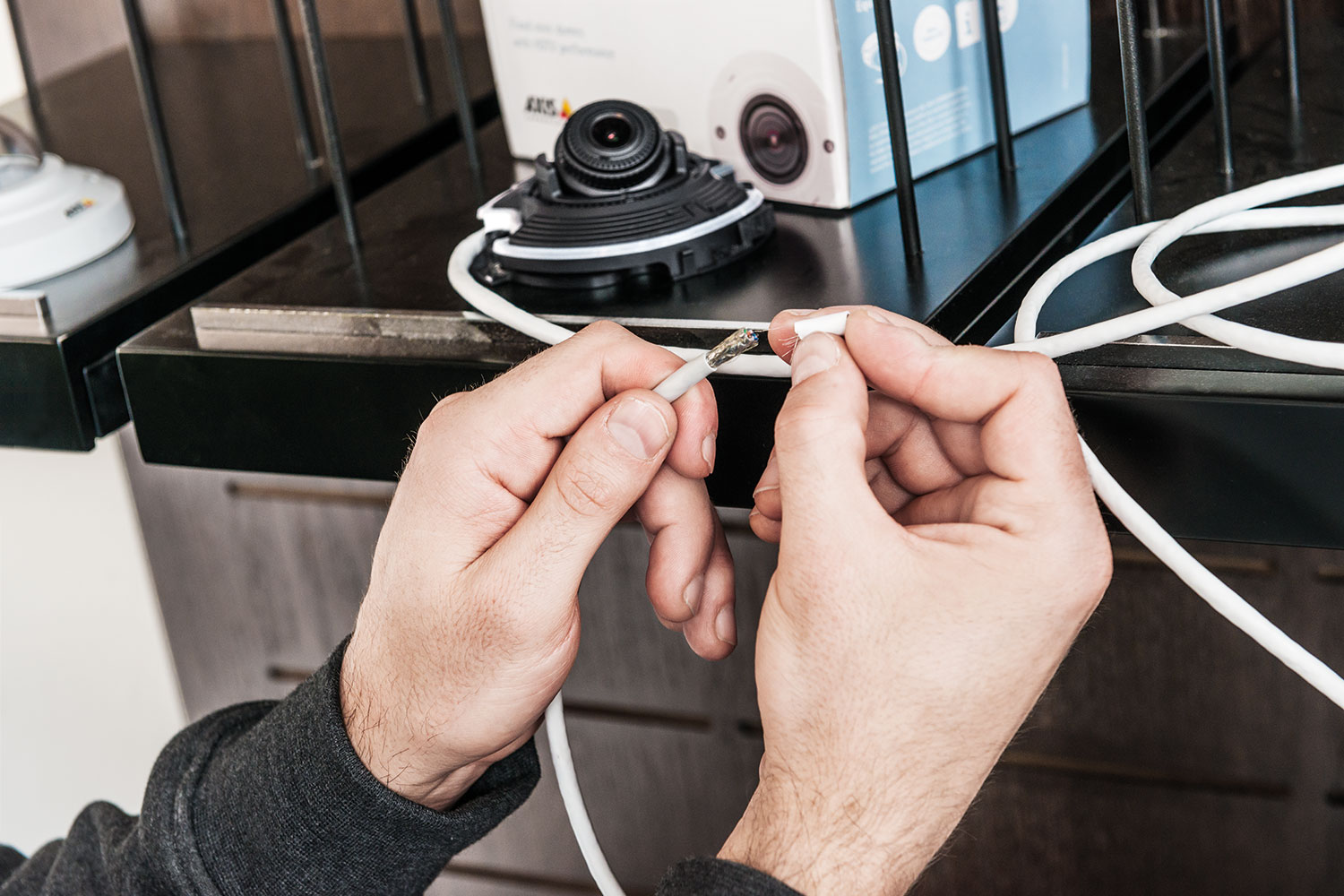
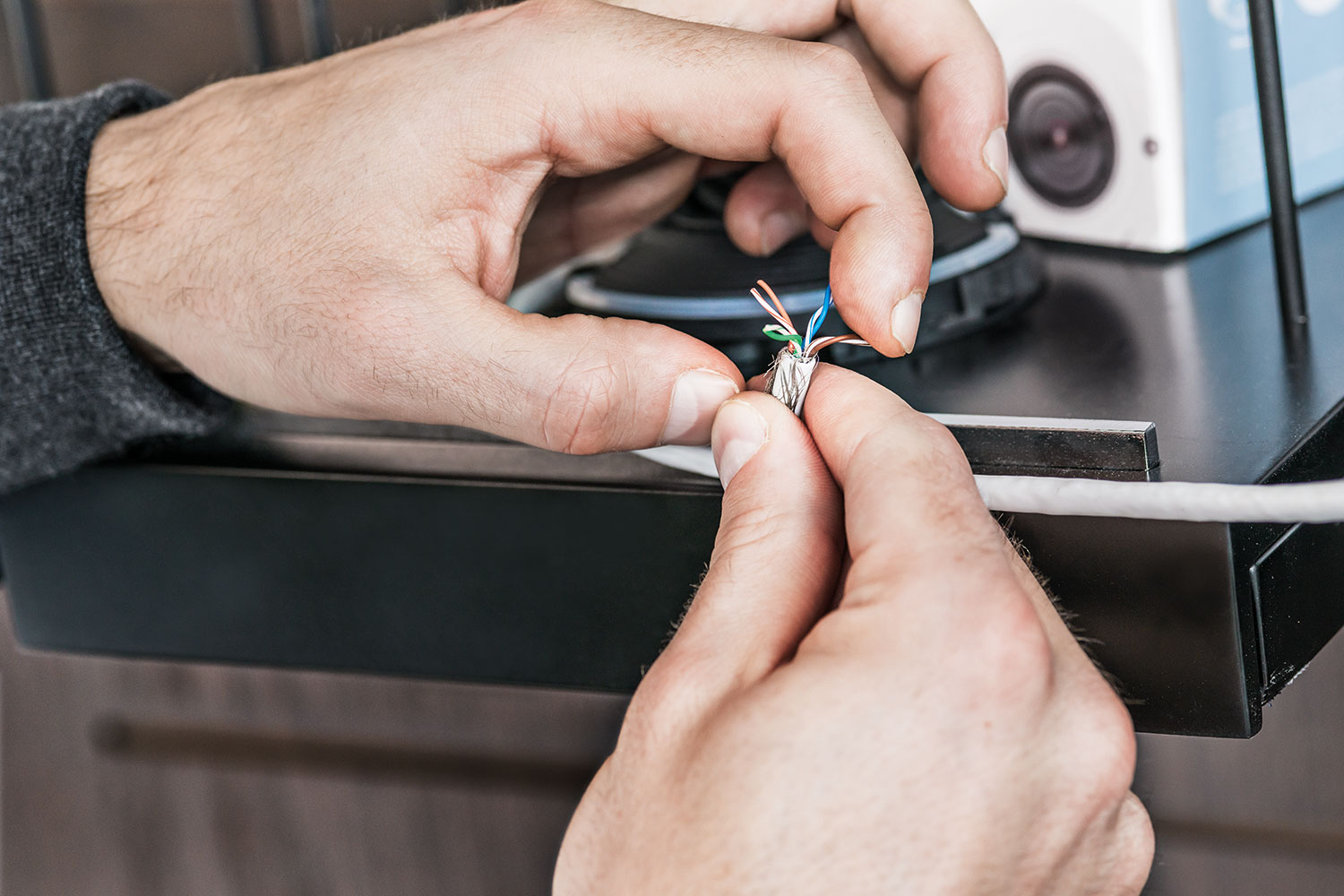
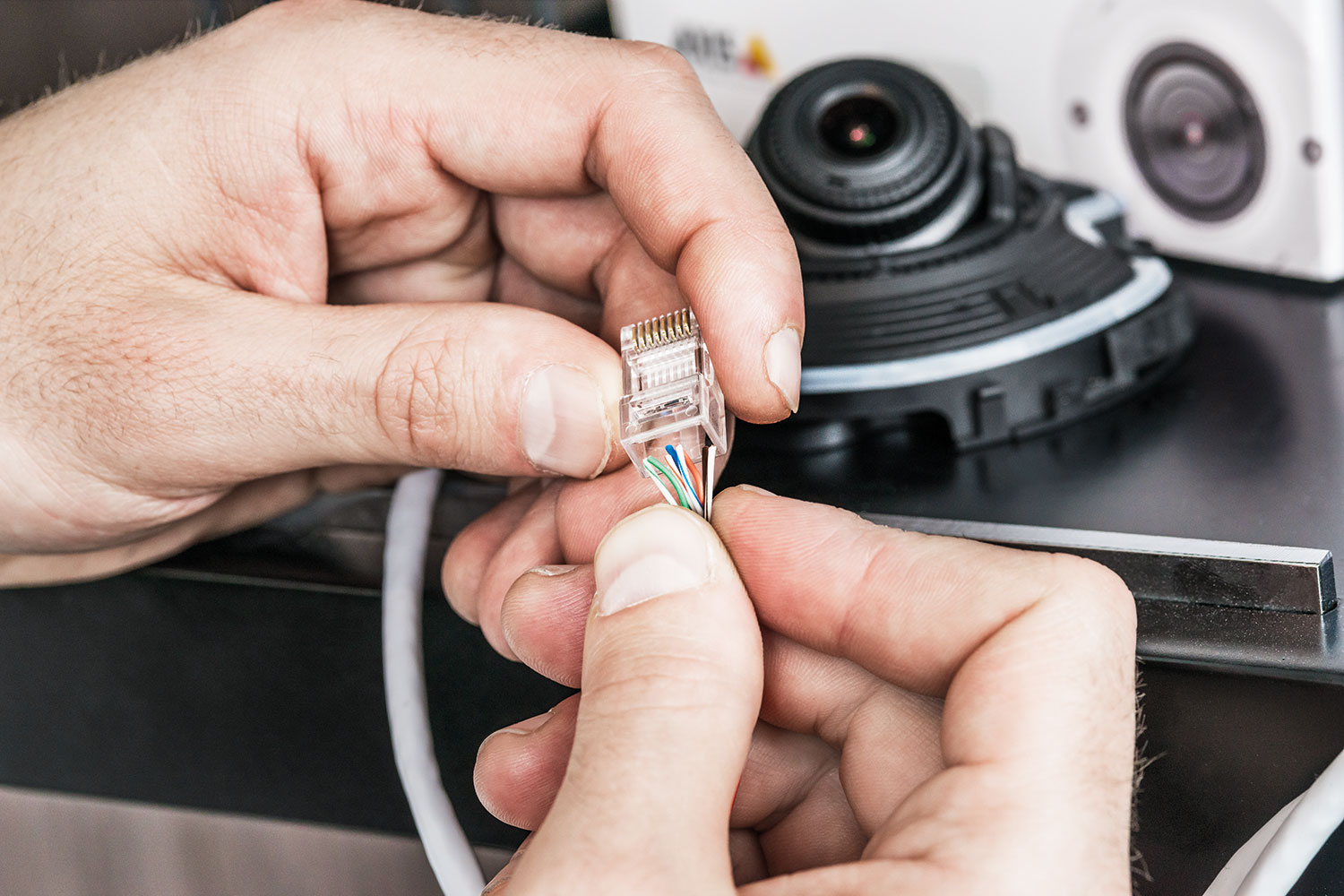
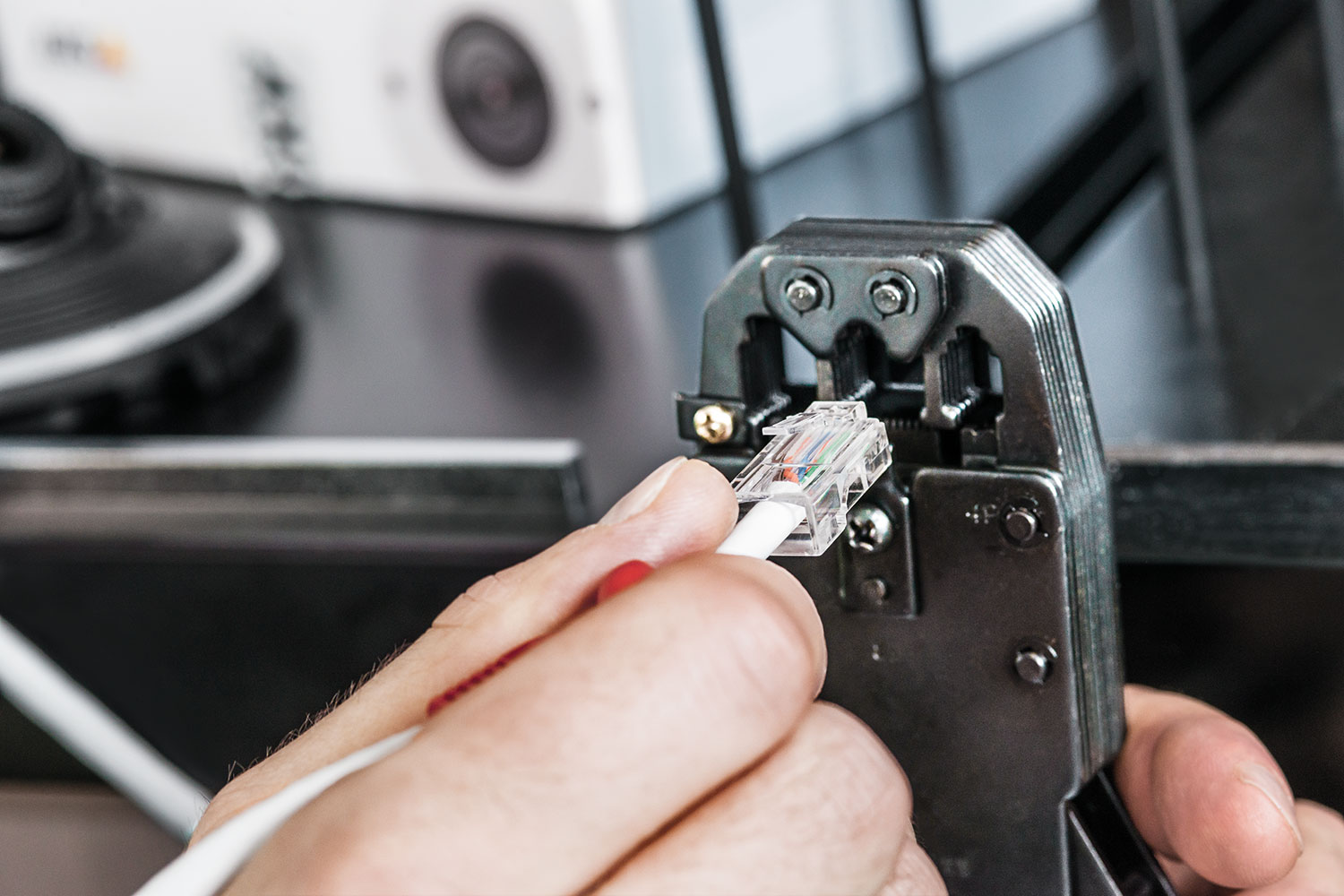
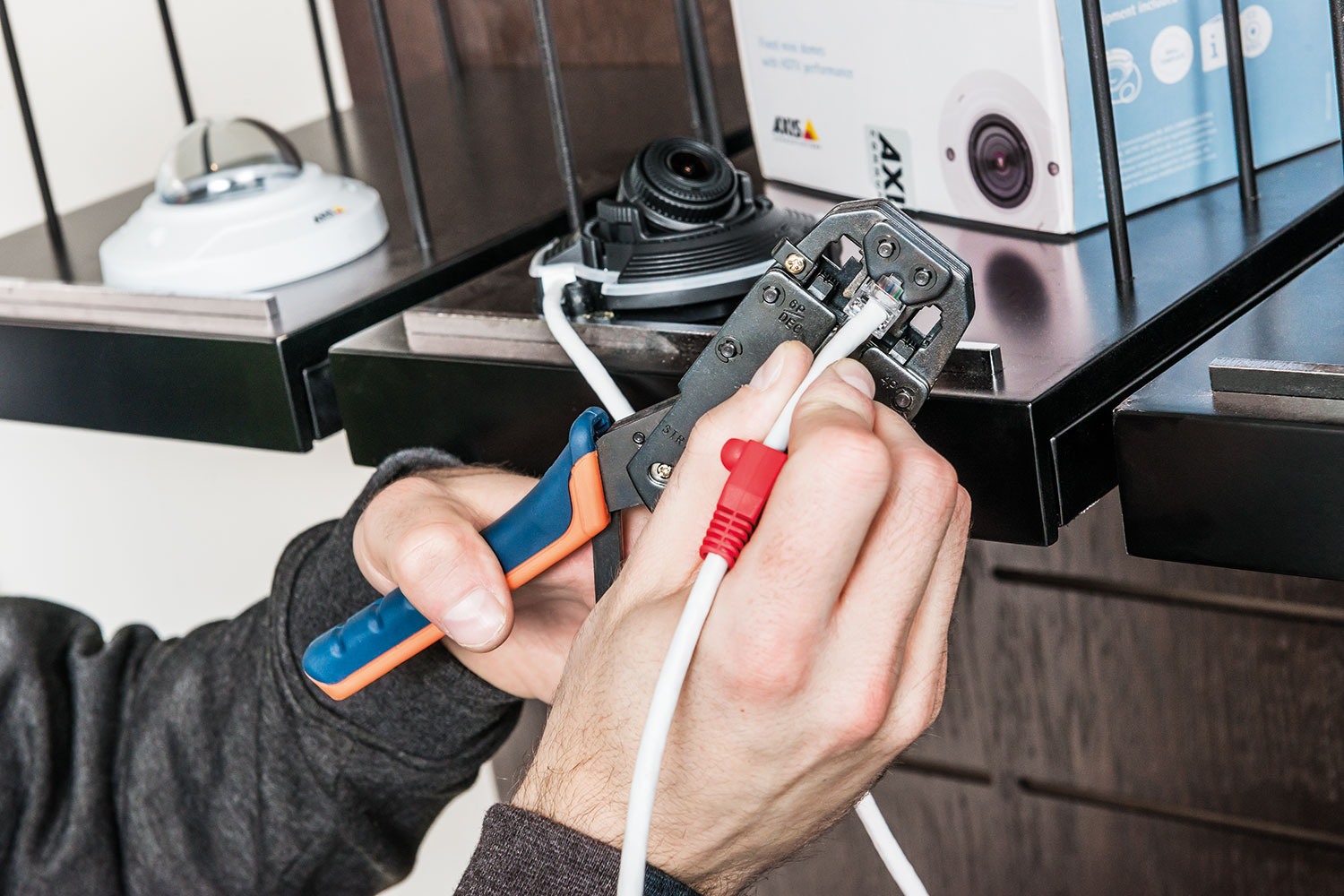
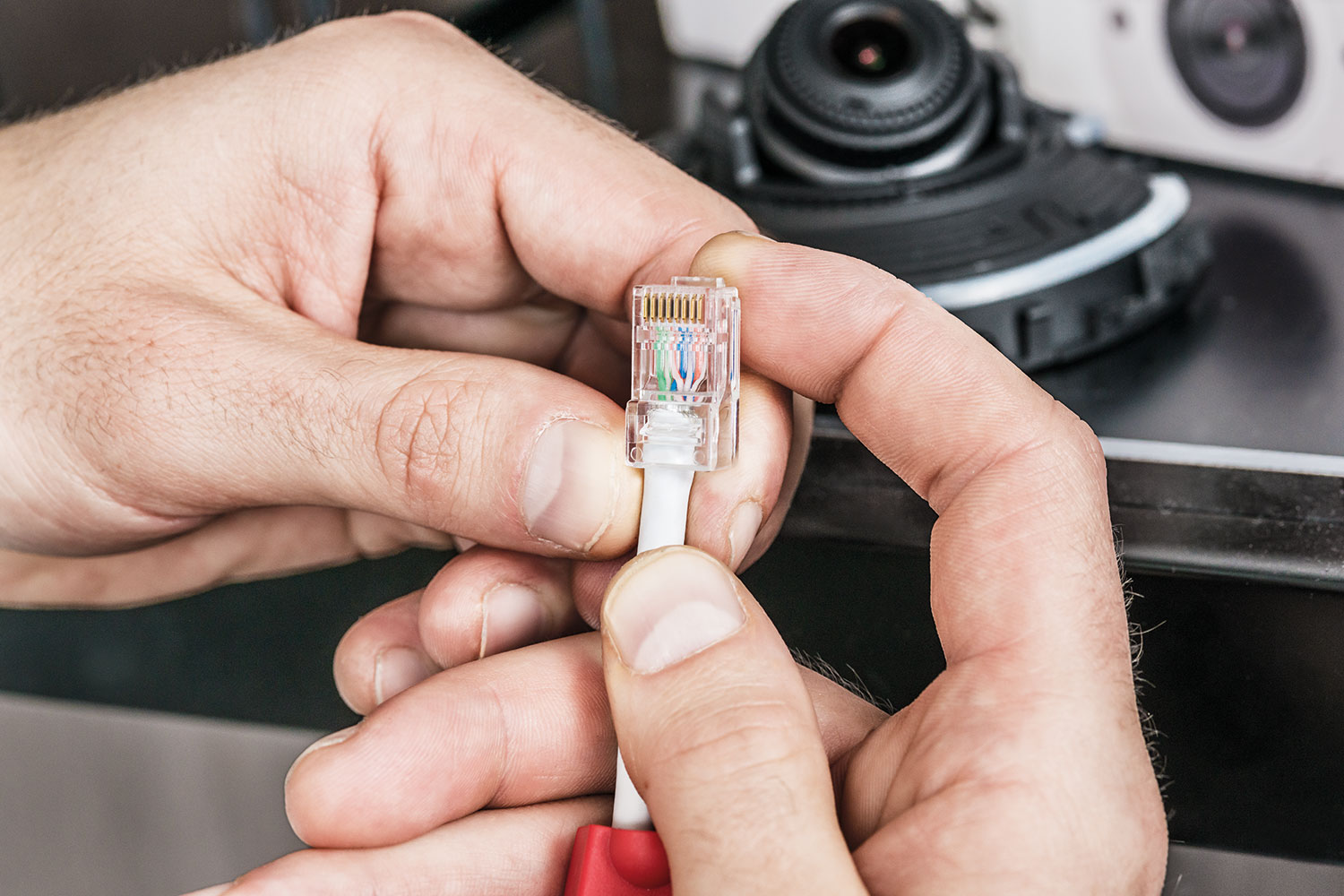
After you have run all of your Ethernet cables to each device location, it is time to cut and terminate the cable ends using RJ45 connectors. This is a process with multiple steps and must be done with precision. The first step is to decide what standard of wire configuration you are going to use. T568A and T568B are the two color codes standards used for wiring eight-position RJ45 modular plugs. The color code standard choice must be the same for both ends on a cable and is recommended to be the same for all cables on the network. Indoor Ethernet cables will be easier to work than outdoor Ethernet cables because of the difference in outer cable shielding and internal wire gauge. The series of images below shows how to open the cables, arrange the 8 wires, and terminate the ends using a crimped RJ45 connector.
Fiber Optic Cable Install & Termination
In advanced video surveillance systems particularly those that span large areas or cover multiple buildings fiber optic cabling is often used for data transmission over long distances. Unlike Ethernet cables, fiber optic cables are designed exclusively for high-speed data transfer and do not carry electrical power. This means that power must be supplied separately, typically using a local power source or via powered media converters. The primary reasons for choosing fiber optic cabling in large scale surveillance networks are its ability to support significantly longer transmission distances and higher data throughput compared to traditional copper cabling. Fiber optics are immune to electromagnetic interference (EMI), making them ideal for use in electrically noisy environments such as industrial facilities, airports, or large campuses. To function properly, fiber optic network switches require the installation of compatible optical transceivers, commonly known as SFP (Small Form-factor Pluggable) modules. These modules are inserted into the switch ports and are designed to match the type of fiber being used either single-mode for long-distance transmission or multimode for shorter-range connections. Proper selection and installation of these modules are essential to ensure optimal system performance and compatibility. When planning a surveillance system with fiber optic infrastructure, it’s important to factor in the type of fiber, the distance of each run, the number of devices being connected, and the need for specialized tools and knowledge for splicing, terminating, and testing the cables.
Video Camera Type & Mount Style
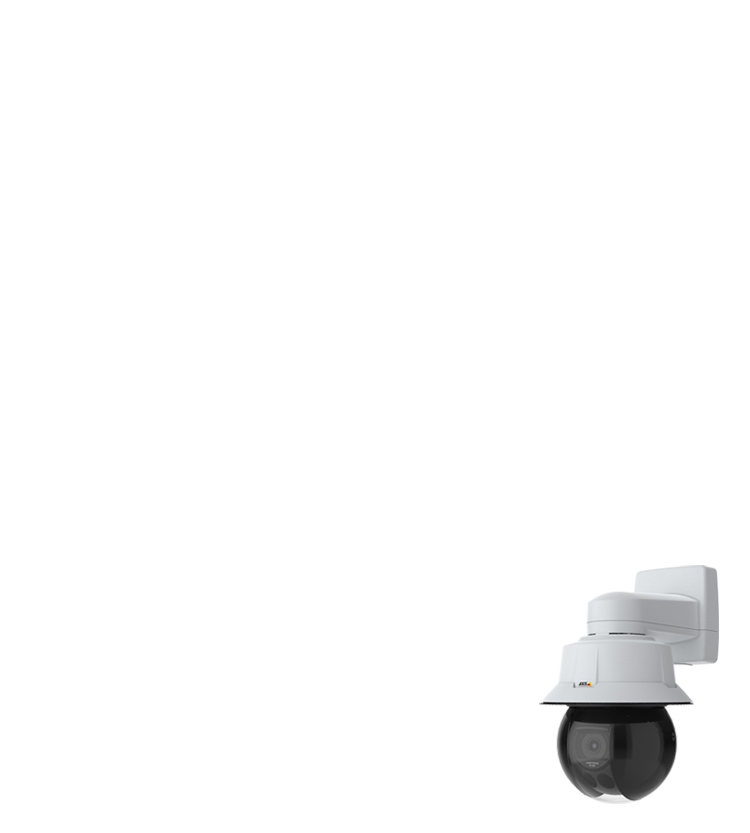
Choosing the appropriate video camera for a surveillance system involves evaluating several key factors, including the intended use, installation environment, and available budget. The specific requirements of each location such as whether it is indoors or outdoors, high-traffic or low-traffic, and exposed to varying lighting conditions will influence the type of camera that is most suitable. Two of the most important specifications to consider are video resolution and optical zoom capability. Higher-resolution cameras provide more detailed images, which are essential for identifying faces, license plates, or other critical visual details. Similarly, a camera with powerful optical zoom can focus on distant objects without losing image quality, making it ideal for monitoring large areas such as parking lots, warehouses, or perimeter fences. For outdoor installations, infrared (IR) illumination is often necessary to enable night vision. Cameras equipped with IR LEDs can capture clear images in complete darkness by using infrared light, which is invisible to the human eye but detected by the camera sensor. In addition to traditional models, a wide range of advanced AI-powered cameras is now available. These smart cameras can offer features such as facial recognition, object detection, license plate recognition, and real-time activity alerts. AI-driven analytics can greatly enhance the efficiency and responsiveness of a surveillance system, helping operators to identify potential threats or events more quickly and with greater accuracy. When selecting cameras, it’s important to strike a balance between performance and cost, ensuring that the chosen devices meet the surveillance objectives without exceeding the project’s financial constraints.
Video Recorders & Network Switches
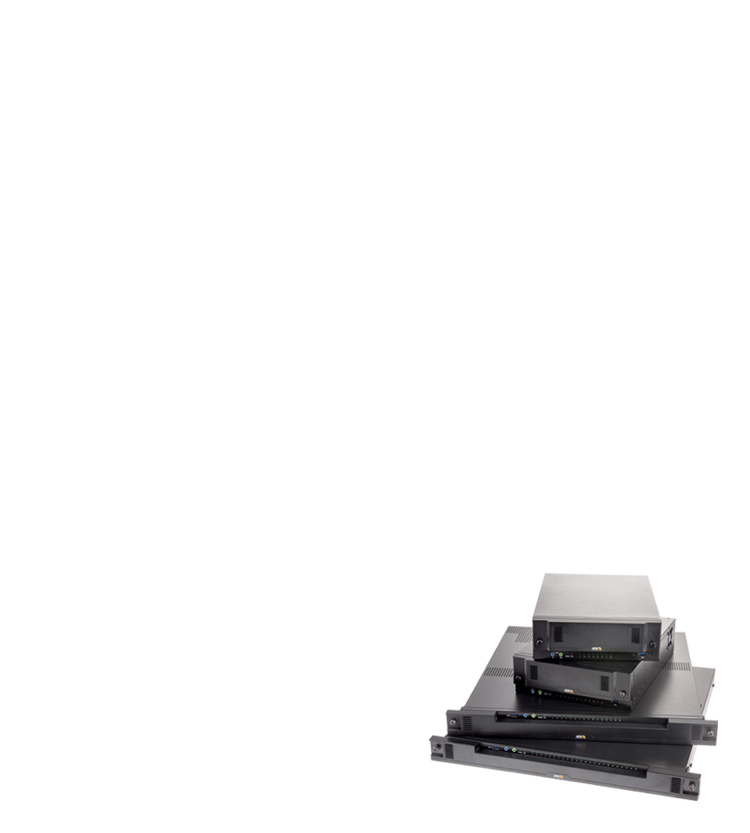
Video recorders are a critical component of any professional surveillance system, offering high-capacity digital storage for video footage captured by the cameras. These devices work in conjunction with the video management system (VMS), which allows users to easily access, search, and review recorded footage. Depending on system requirements, recorders are available in various storage capacities, typically measured in terabytes (TB), to accommodate the volume of video generated by multiple high-resolution cameras over extended periods. When planning storage, it’s important to consider factors such as the number of cameras, resolution of the video streams, frame rates, retention periods, and whether continuous or motion triggered recording is used. Many systems utilize Network Video Recorders (NVRs), which are designed to work with IP cameras and integrate seamlessly into network-based surveillance infrastructures. In addition to video recorders, network switches play a vital role in connecting all surveillance devices. There are several standards of network switches to choose from, depending on power and bandwidth needs:
PoE: (Power over Ethernet): Supplies up to 15.4W per port, suitable for most standard IP cameras.
PoE+: Delivers up to 30 W per port, supporting more power-hungry devices such as PTZ (pan-tilt-zoom) cameras.
PoE++: Offers up to 60 W – 100 W per port, designed for specialized equipment or multiple devices on a single run.
Fiber Optic Switches: Used for high-speed data transmission over long distances, especially in large-scale or multi-building installations.
When selecting a network switch, it’s essential to choose one that not only meets your current system needs but also allows for future expansion. Look for switches with additional available ports, modular uplink options, and support for higher bandwidth to ensure scalability as your surveillance system grows.
Video Management Software
For optimal performance and system reliability, it is highly recommended to use video management software (VMS) provided by the same manufacturer as the surveillance cameras. Manufacturer specific VMS ensures full compatibility with all camera features, including advanced settings, firmware updates, and intelligent analytics. This integration streamlines system setup, minimizes potential compatibility issues, and maximizes the overall stability and performance of the surveillance network. In addition to desktop-based VMS platforms, many manufacturers offer mobile applications that allow users to monitor their systems remotely. These apps provide real-time access to live video feeds, recorded footage, and system alerts. One of the most valuable features of mobile integration is the ability to receive push notifications for motion detection events, tampering, or system errors keeping users informed and responsive, no matter where they are. Using the mobile app in combination with the manufacturer’s VMS provides a seamless, unified experience across devices, ensuring full control and situational awareness at all times. This is especially beneficial for business owners, property managers, and security personnel who need to stay connected to their surveillance system while on the move.